
Your Website isn't Your Entire Digital Campus.
Preparing for digital accessibility means looking beyond the institution’s primary website.

Your Website is the Digital Starting Line
A website review is a starting point. Follow the student and visitor journey to see what else belongs in your accessibility plan.
Open each area to explore the questions. Check it off when you’ve added it to your review.
Website
Start with the primary website, then follow every link that leads to another campus experience.
- Which departmental sites, microsites, PDFs, and embedded tools sit outside your main website review?
- Can someone navigate key tasks with a keyboard, a screen reader, or magnification?
- Who owns accessibility fixes and ongoing content updates?
Campus Maps
Inventory every map a student, employee, or visitor might use to find their way.
- How many campus maps do you have for different use cases—parking, accessibility, admissions, events, or athletics?
- Do you have a single map that shares all campus information, or are you relying on several maps?
- Can people find accessible entrances, routes, parking, and restrooms—and access that information without relying on color or a visual map alone?
Event Calendars
Review the complete path from finding an event to taking part.
- How many calendars are spread across departments, student groups, and athletics?
- Can people browse, filter, and register for events using a keyboard or screen reader?
- Are venue accessibility details, accommodation contacts, captions, and third-party ticketing included in the review?
Virtual Tours
Make sure an immersive tour also offers meaningful ways to explore beyond the visuals.
- Are captions, transcripts, image descriptions, and accessible navigation available?
- Can someone move through the tour and access key information without a mouse?
- Do videos, hotspots, embedded media, and calls to action work with assistive technology?
Mobile Experiences
Include both mobile websites and institution-provided apps in your inventory.
- Which apps do people use for campus navigation, events, dining, transit, or student services?
- Do key tasks work with VoiceOver, TalkBack, text resizing, and device orientation changes?
- Are important actions and information equally available on mobile and desktop?
Third-Party Platforms
A platform may be hosted elsewhere and still be part of your institution’s services. Public universities’ Title II responsibilities extend to web content and mobile apps provided through contractual, licensing, or other arrangements.
- Which vendor platforms support learning, applications, payments, housing, tickets, appointments, or room bookings?
- Who owns each vendor relationship, and what accessibility evidence and testing can they share?
- How will your institution track barriers, request fixes, communicate alternatives, and review accessibility at renewal?
Accessibility belongs in every vendor conversation.
Go beyond a yes-or-no answer. Ask for evidence, understand the experience, and establish who owns the next step.
Turn questions into a plan.
Bring a practical accessibility conversation to your campus team.
Can everyone use the core experience?
Ask how keyboard navigation, screen readers, zoom, and mobile access are tested.
What evidence can you share?
Request a current accessibility conformance report and details of testing with people with disabilities.
How are issues resolved?
Discuss known limitations, the remediation process, timelines, and how progress is communicated.
What will our team need to maintain?
Clarify responsibilities for content, captions, alternative text, integrations, and ongoing updates.
Progress you can see.
People you can put first.
Staying Compliant in a Changing Regulatory Landscape
When Idaho State received an accessibility complaint, they became proactive about digital accessibiltiy. When they realized their PDF campus map lacked any digital accessibility, they searched for an accessible and engaging solution. That’s when they found Concept3D. WCAG 2.2 AA Compliant, tested and approved by visually impaired faculty.
“Partnering with somebody like Concept3D that already has the accessibility built in solves a huge problem for us.”

Dave Van Etten
Accessibility Consultant, Idaho State University
Transforming ArcGIS Data to an Accessible, User-Friendly Campus Map
OSU brought ArcGIS data and accessibility information together to help people plan their campus visits.
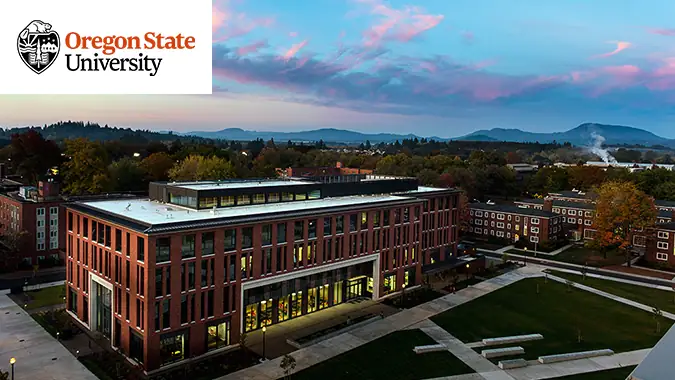
A modern map. A more connected campus.
Florida Tech replaced its legacy map with a dynamic platform for campus navigation, communication, and integrated tours.
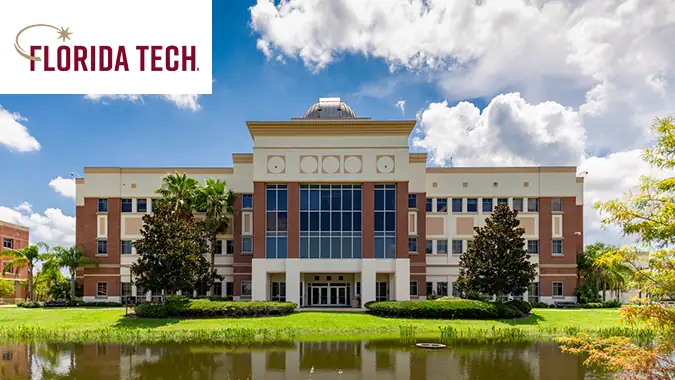
Connect the experiences
that connect your campus.
Explore the tools behind a more connected student and visitor journey.
Interactive Maps
Help students and visitors explore campus, locate resources, and plan their visit.
Localist Events
Bring campus events together and make the next opportunity easier to discover.
360° Tours
Tell your campus story through immersive experiences people can explore from anywhere.
Room Reservations
Make it easier to find and reserve the spaces where campus life happens.