
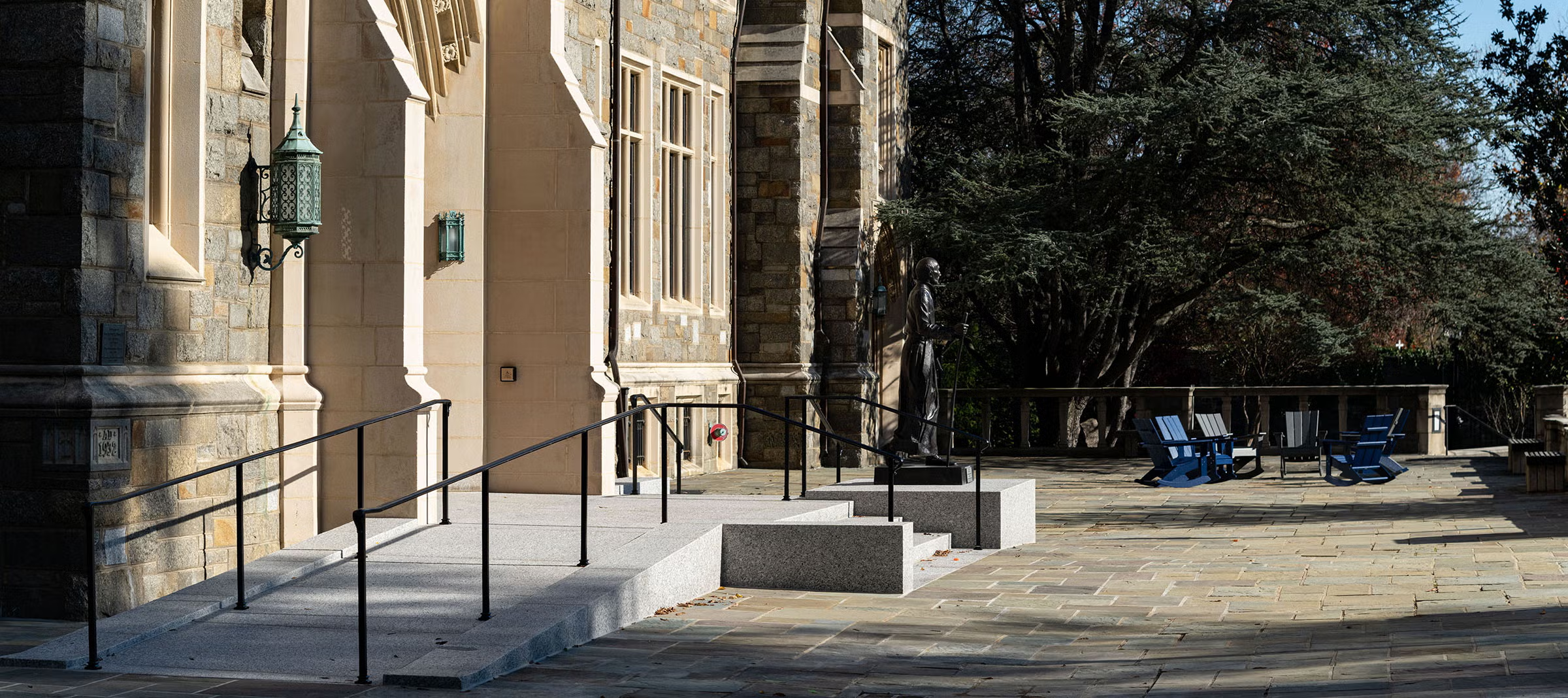
An accessible campus map allows all users, including those who rely on screen readers, keyboards, or mobile assistive technologies to independently navigate, understand, and interact with campus spaces. Accessibility goes beyond visual design; it ensures equal access to essential location and wayfinding information.
Why Campus Maps Are a Digital Accessibility Hotspot
Campus maps are often treated as visual enhancements — helpful, but secondary.
In reality, they are mission-critical tools.
Students use them to:
- Find classrooms on the first day of the semester
- Navigate accessible routes
- Locate event venues
- Move across campus safely
Visitors rely on them during admissions tours, conferences, performances, and move-in days.
More than 1 in 4 adults in the United States live with a disability. In higher education specifically, nearly 20% of undergraduate students report having a disability. That means a significant portion of your campus community may rely on assistive technologies or accessible design features to navigate independently.
Because maps combine visual layouts, interactivity, filters, and real-world navigation, they are one of the most complex and commonly overlooked accessibility touchpoints in higher education.
For a student trying to find an accessible entrance on the first day of classes, the map is not a feature. It is the difference between arriving confidently and arriving discouraged.
What “Accessible” Actually Means (Without the Jargon)
When we talk about an accessible campus map, we’re not talking about font size or color choices alone.
We’re talking about whether someone can:
- Interact without a mouse
- Navigate with a screen reader
- Understand information without relying on color alone
- Access it on mobile devices
- Interact with filters and search tools independently
Accessibility is about independence and equal participation.
If a student cannot locate a building or accessible entrance without assistance, the map is not truly accessible.
5 Things an Accessible Campus Map Must Do
This is where clarity matters most.
1. Be Fully Navigable by Keyboard
Users must be able to tab through map features, select buildings, apply filters, and open information panels without using a mouse. If a user cannot move through the map without a trackpad or mouse, they are effectively locked out of the experience.
2. Provide Text Alternatives for Visual Elements
Buildings, icons, and points of interest must include structured text that screen readers can interpret.
In a study by the National Federation of the Blind, 87.6% indicated they relied on a screen reader. Without structured text alternatives, map content becomes invisible to these users.
3. Avoid Color-Only Communication
If dining halls are marked only in green and parking lots only in blue — without labels — users with visual impairments, such as full or partial color blindness, will miss critical information.
Color can enhance information, but it cannot be the only method of communication.
Approximately 1 in 12 men and 1 in 200 women experience some form of color vision deficiency. Designing maps that rely solely on color unintentionally excludes a meaningful portion of users.
4. Work Across Devices and Assistive Technologies
Students primarily access campus tools on mobile devices.
An accessible map must:
- Function with mobile screen readers
- Support zoom and touch navigation
- Maintain clarity on smaller screens
5. Update Without Breaking Accessibility
Campus maps change frequently such as with construction, event overlays, new buildings, etc.
Accessibility must persist through updates. If new layers or features are added without proper structure, compliance will quietly degrade.
In addition, on the student side, an accessible map that breaks during pivotal times such as orientation week or move-in day doesn’t just cause frustration. It creates a preventable barrier for a student during an already stressful time.
Common Misconceptions About Accessible Maps
“Our PDF map is accessible.”
If it’s a scanned image or lacks structural tagging, it likely isn’t.
“We passed an accessibility audit.”
Interactive tools often require deeper testing than static pages.
“Accessibility only impacts a small group.”
Accessible maps support:
- Users with temporary injuries
- Visitors unfamiliar with campus
- Mobile-first users
- Anyone navigating under stress
Accessibility improves usability for everyone.
Why Accessible Maps Matter Beyond Compliance
Accessibility is often framed as risk mitigation.
But for campus maps, it’s:
- Safety
- Independence
- Inclusion
- First impressions
For a prospective student navigating campus for the first time, digital wayfinding may be their first real interaction with your institution.
If that experience excludes them, it sends the message that this digital experience was not designed with them in mind.
A Practical Next Step for Institutions
Higher ed leaders don’t need to become accessibility engineers.
But they should ask:
- Can our campus map be used without a mouse?
- Does it work with screen readers?
- Does it function seamlessly on mobile?
- Have we tested it with real users?
- Does it mark ADA compliant locations?
- Do we include accessible only or accessible not advised routes?
And for institutions committed to belonging, accessible wayfinding is not simply a compliance requirement. It is a visible demonstration that the campus was designed for everyone.
FAQ SECTION
What is an accessible campus map?
An accessible campus map is a digital map that can be navigated and understood by all users, including those using screen readers, keyboard navigation, or mobile assistive technologies.
Are interactive campus maps required to meet WCAG standards?
Yes. If a campus map is part of a public-facing website, it must meet applicable WCAG accessibility standards, including keyboard operability and screen reader compatibility.
Why are PDF campus maps often inaccessible?
PDF maps are often inaccessible because they are uploaded as scanned images without structured text, headings, or alternative descriptions that assistive technologies can interpret.
How can colleges test if their campus map is accessible?
Colleges can test accessibility by checking keyboard navigation, using screen readers, testing on mobile devices, and conducting real-user testing with individuals who rely on assistive technologies.
Does accessibility improve usability for all users?
Yes. Accessible design improves clarity, mobile usability, and overall navigation, benefiting all users — not only those with disabilities.